
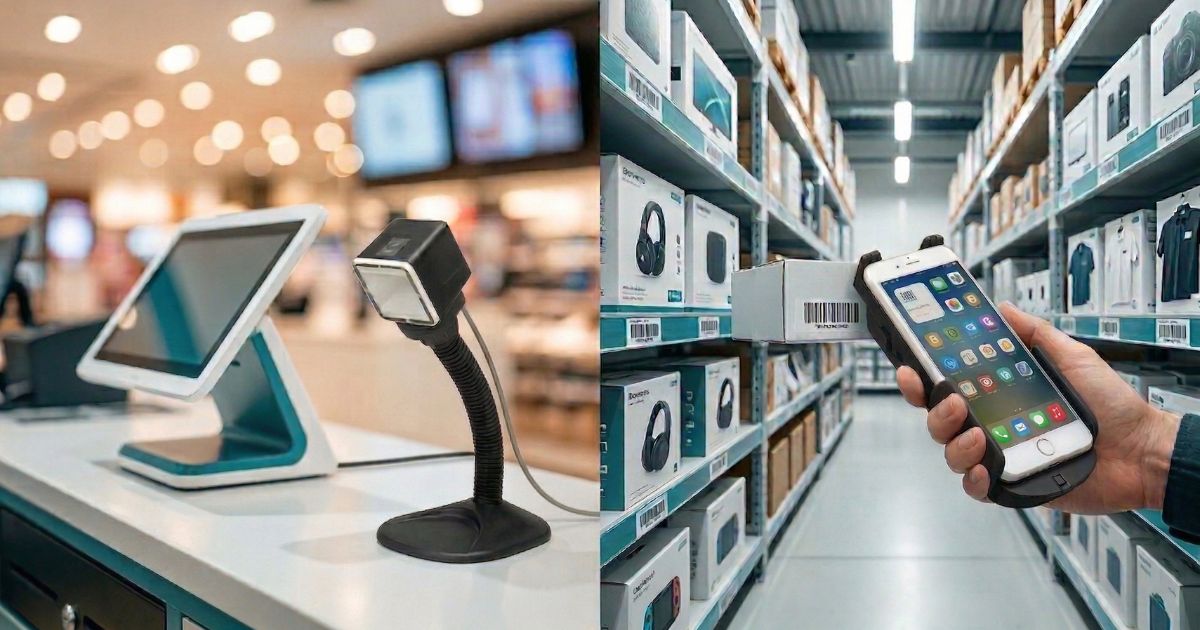
Barcode Scanners for Retail: Matching the Right Device to the Right Task
One Store, Many Jobs ??There's No Such Thing as a One-Size-Fits-All Retail Scanner
Walk into the back office of any mid-sized retail chain and you'll likely find a mix of scanner types ??some clipped to the checkout counter, others in a charging rack for the floor team, maybe a few mounted at a receiving station. That mix isn't accidental. Different retail tasks have genuinely different requirements, and a scanner optimized for one job often performs poorly at another.
This guide breaks down the five most common retail scanning contexts, analyzing what each one actually demands from the hardware, and how to make sure you're matching the right device to each job to help you minimize Total Cost of Ownership (TCO) while maximizing operational throughput.
POS Checkout: The Highest-Stakes Scan Point
The checkout lane is where scanner performance is most visible ??to customers, to management, and to anyone tracking throughput numbers. Speed and reliability are non-negotiable here. A scanner that hesitates on a damaged label or needs multiple attempts on a wrinkled packaging barcode adds seconds per transaction that compound across hundreds of customers a day.
Presentation scanners
The standard for staffed checkout lanes. A fixed omnidirectional scanner reads barcodes from virtually any angle as the cashier passes items over it ??no deliberate aiming required. Read speeds are typically very fast, and the hands-free design lets cashiers work quickly without picking up a device for each item. Most presentation scanners today include both 1D and 2D capability, which is increasingly important as retailers move toward QR-based loyalty programs and mobile wallet payments critical for modern customer experience (CX) as retailers move toward QR-based loyalty programs, mobile wallet payments, and digital couponing.
Cordless handheld scanners
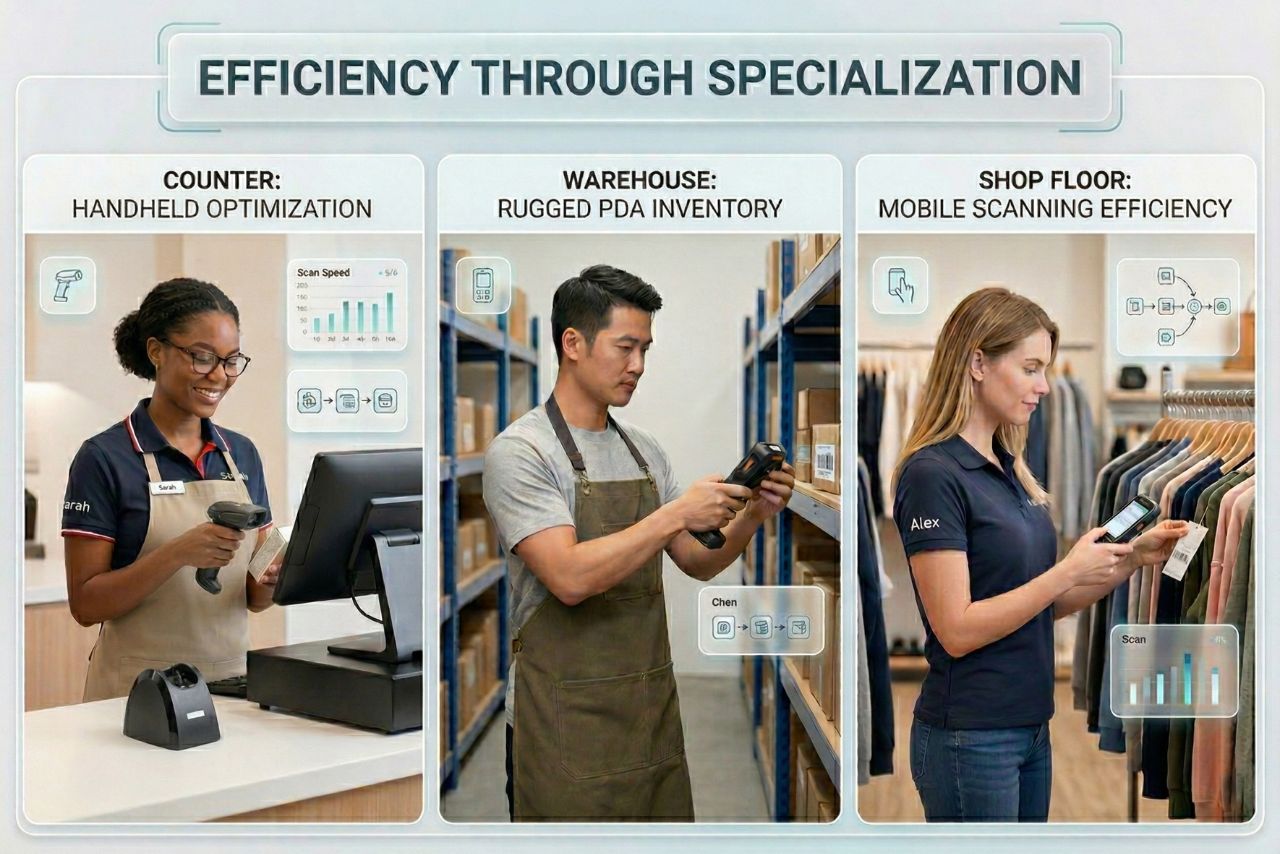
Better suited for boutique retail, pharmacy counters, or any scenario where the cashier needs to bring the scanner to the item rather than the other way around. Modern wireless handhelds pair over Bluetooth and operate reliably within 10??0 meters of a base station. Ensure the base station doubles as a charger ??dead batteries at checkout are a customer experience failure.
What to look for at POS
Omni-directional reading capability (no need to orient the barcode), fast decode time on real-world label quality (ask for a demo with your actual label stock, not a perfect test code), integration with your POS software, and a scan window that can be cleaned without damaging the optics.
Inventory Counting and Cycle Counts: Mobility Matters
Inventory counting is where the scanner requirements shift dramatically from POS. Instead of speed at a fixed station, the priority is mobility across the entire store, battery life through a full counting session, and the ability to handle a wide variety of label conditions ??items at the back of shelves, items high on upper racks, items with worn labels from long shelf life.
Rugged handheld scanners
The standard choice for cycle counting. A mid-range rugged handheld running your inventory management software gives staff the flexibility to scan anywhere in the store while updating records in real time (if on Wi-Fi) or in batch mode (scans stored locally and synced when back in range). Battery life matters significantly here ??a device that dies mid-count forces the team to either wait or duplicate work. In 2026, robust battery performance is the backbone of real-time inventory visibility.
Long-range scan capability
For retail environments with high or deep shelving, a scanner with extended read range ??some 2D imagers can reliably read barcodes from 3?? meters ??reduces the need to move stock or use ladders for every scan. This is a genuine productivity factor in large format stores.
Wearable scanners for high-frequency floor replenishment
Some retailers are moving to ring-style wearable scanners for high-frequency tasks like shelf replenishment scanning. Keeping both hands free makes the physical work of moving product easier, and the scan confirmation happens in the same motion. Worth evaluating if your team runs high-volume daily replenishment cycles.
Receiving and Back-of-House: Where Errors Start
Receiving is a frequently underinvested scanning point, which is ironic because errors at receiving propagate through the entire inventory system. A misscanned quantity at inbound means your stock count is wrong before a single item hits the shelf.
The back-of-house environment is physically harsher than the shop floor ??loading docks, trolleys, compact spaces, and more variable label quality from supplier cartons. An IP54-rated rugged handheld is usually adequate for most retail receiving environments. The priority here is 2D imaging capability, since supplier cartons increasingly carry both 1D and GS1 DataBar/QR codes, and good decode performance on lower-quality printed labels from smaller suppliers.
Integration with your receiving module (purchase order confirmation, supplier compliance checking, quantity verification) is the functional requirement that drives everything else. Make sure your scanner vendor's integration approach works with your ERP or WMS receiving workflows before purchasing.
Shop Floor and Click-and-Collect: The Hybrid Requirement
As retail operations become more omnichannel, shop floor staff increasingly need a device that does more than just scan. Checking stock availability across locations, confirming click-and-collect picks, processing returns, and looking up product information ??these all require a device that combines scanning with a usable screen and a reliable connection to your retail management system.
This is where Android-based mobile computers (sometimes called PDAs or enterprise handhelds) earn their place in retail. They run your retail apps natively, connect over Wi-Fi to your system in real time, and include a built-in 2D scanner. They're larger and more expensive than a dedicated scanner, but for staff who need to do multiple tasks with a single device, the consolidation is worthwhile.
Loss Prevention: Where Scanning Meets Security
Scanner accuracy has a direct relationship with shrinkage control ??a connection that doesn't always get made explicit in hardware purchasing conversations. Two mechanisms are worth understanding:
Administrative errors as a source of shrinkage
According to available retail industry data, administrative errors account for roughly a quarter to a third of total retail shrinkage. Receiving discrepancies that aren't caught at inbound, manual count errors during cycle counts, and unscanned items at self-checkout all contribute to the gap between what the system says you have and what's physically on shelf. Accurate scanning at each of these points directly reduces this category of loss, protecting the store's bottom-line profitability from preventable administrative errors.
Cycle count frequency and shrinkage detection
Stores that run more frequent, targeted cycle counts ??rather than annual physical inventories ??detect discrepancies earlier, when they're smaller and easier to investigate. A mobile scanning setup that makes cycle counting faster and less labor-intensive enables more frequent counts, which improves shrinkage visibility across the year.
Matching Device to Task: A Quick Reference
| Task | Device Type | Connectivity | Primary Use |
|---|---|---|---|
| POS checkout | High-speed omni scanner | Corded / wireless | Every customer transaction |
| Back-office / receiving | Rugged handheld 2D imager | Wi-Fi | Inbound shipment verification |
| Inventory / cycle count | Rugged handheld, long-range option | Wi-Fi | Regular stock accuracy checks |
| Shop floor / click-and-collect | Rugged handheld or mobile computer | Wi-Fi | Product lookup + scan in one device |
| Loss prevention audit | Rugged handheld or sled scanner | Wi-Fi / batch | Targeted cycle count, discrepancy check |
Final Thoughts
The most common purchasing mistake in retail scanning is treating scanner selection as a single decision and buying one device type for every purpose. The scan environments in a retail operation ??checkout, floor, receiving, stockroom ??each have different ergonomic, connectivity, and durability requirements. A modest investment in the right device for each context pays back in throughput, accuracy, and reduced device failure.
For broader scanner selection guidance, explore our [Product Range] to find the ideal match for your store's needs.